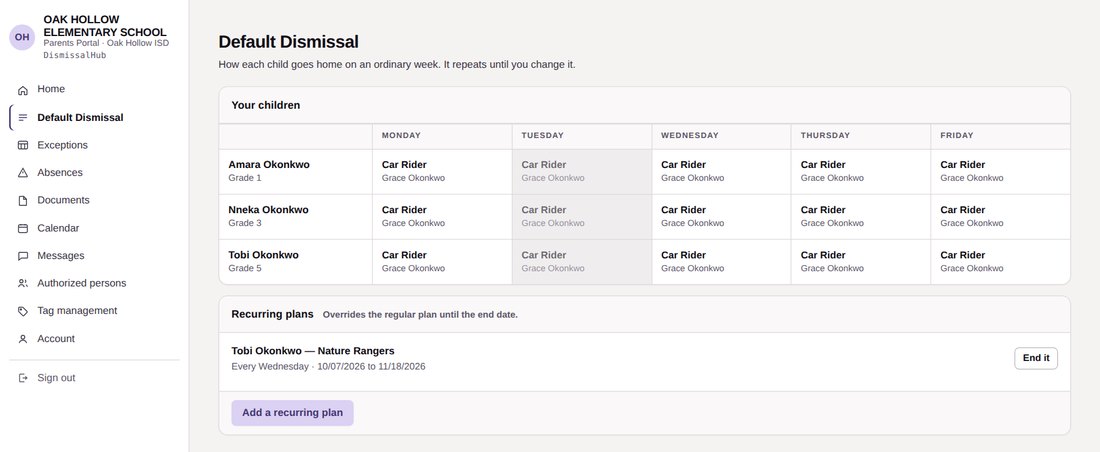
Parents can manage their own plans
Parents can set how each child normally goes home and make changes when a particular day is different. Through the same portal, they can message their children's teacher, the nurse, the registrar, or the front office directly, and each conversation stays with the family and the child. The class calendar and conference booking work on any phone, and the sign-in screen links to the Terms of Service and Privacy Policy.
- Regular plans for each child
- One-day exceptions
- Absences and late arrivals
- Early pickups
- Doctor's notes and documents
- Authorized pickup adults
- Requests for new tags
- Two-way messaging with teachers, the nurse, and the office
- Class calendar, newsletters, and parent conferences
- Available in English and Spanish
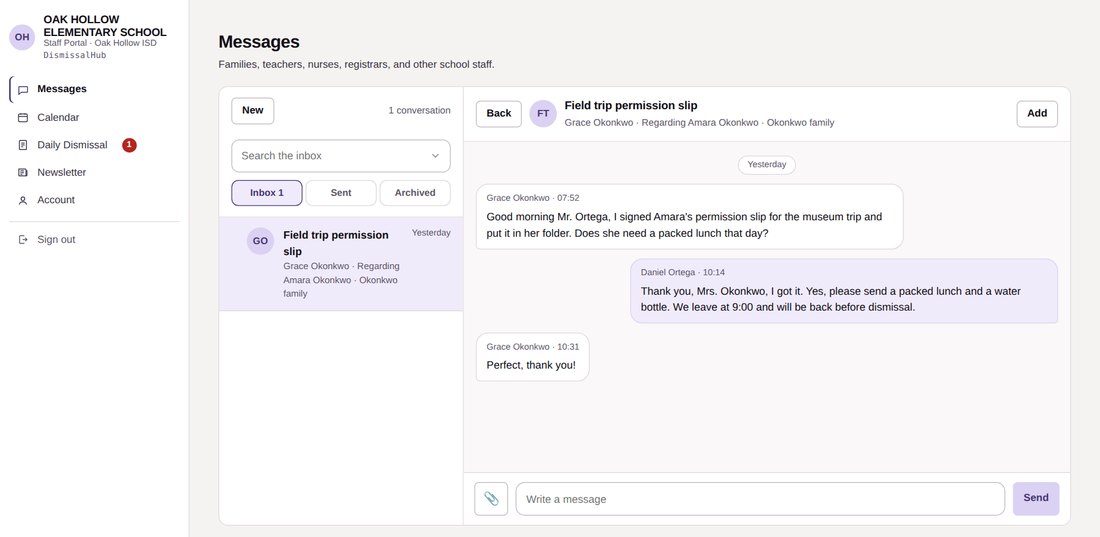
Teachers and staff in direct contact with families
Teachers, the nurse, the registrar, and the front office talk with families in two-way conversations tied to each child, and can bring another staff member in when needed. The same portal handles the class calendar, newsletters, and how each student goes home today. It signs out after 15 minutes without use, so a shared school device is not left open.
- Daily dismissal sheet showing how each student goes home
- Two-way messaging with families, with inbox, sent, and archive
- Class newsletters
- Class calendar and events
- Parent conference hours, bookings, and reminders
- Signs out after 15 minutes without use
- Documents sent by families, for the registrar
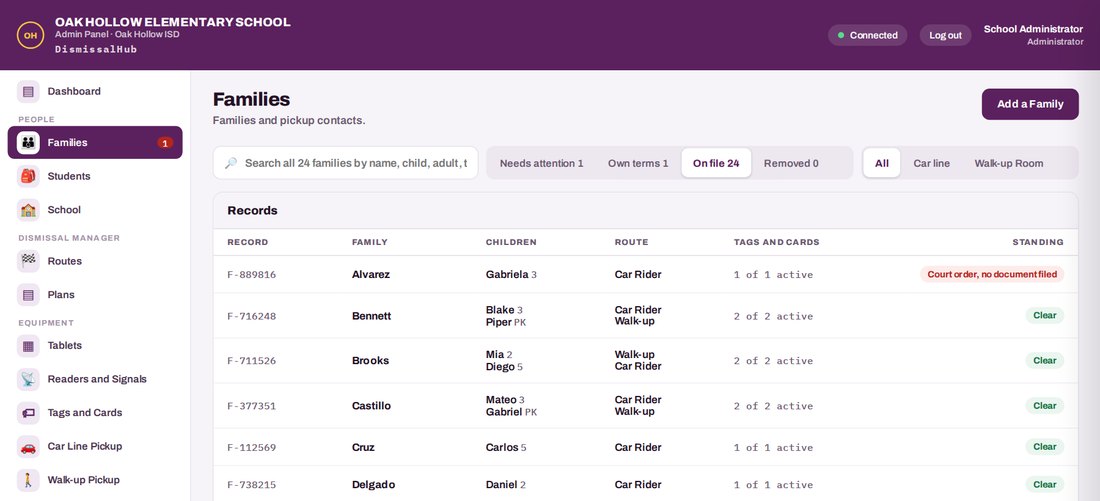
The office stays in control
The office manages the information that drives the portals and dismissal stations. Items that need attention, such as an unreviewed custody document, are brought forward so they don't get lost in a list. Students and families can be loaded from OneRoster CSV files uploaded over HTTPS. The office sets how long each screen can sit idle before it signs out, and by default that is 10 minutes for the Admin Panel, 15 for the Staff Portal, and 30 for the Parent Portal. The access log shows who opened each sensitive record.
- Families and students
- School settings
- Classes, grades, and staff
- Routes, lanes, and bays
- Tablets and readers
- Issuing and revoking tags
- Reports and the dismissal log
- OneRoster CSV import
- Sign-out times for each portal
- Access log of sensitive records